Ask Composer
Ask Composer helps you understand indexed footage before you decide what to edit. Ask a question against the smallest useful source set, then use the citations to inspect the original video.
Ask a focused question
- Open Ask Composer from the sidebar.
- Start a new chat or continue a relevant thread.
- Select the sources that should be used as evidence.
- Ask a question that can be answered from those sources.
- Open the citations beside claims you plan to use.
Example:
What moments support the main editorial point in this source?Cite the relevant ranges and do not add facts that are not visible or spoken.Check the evidence
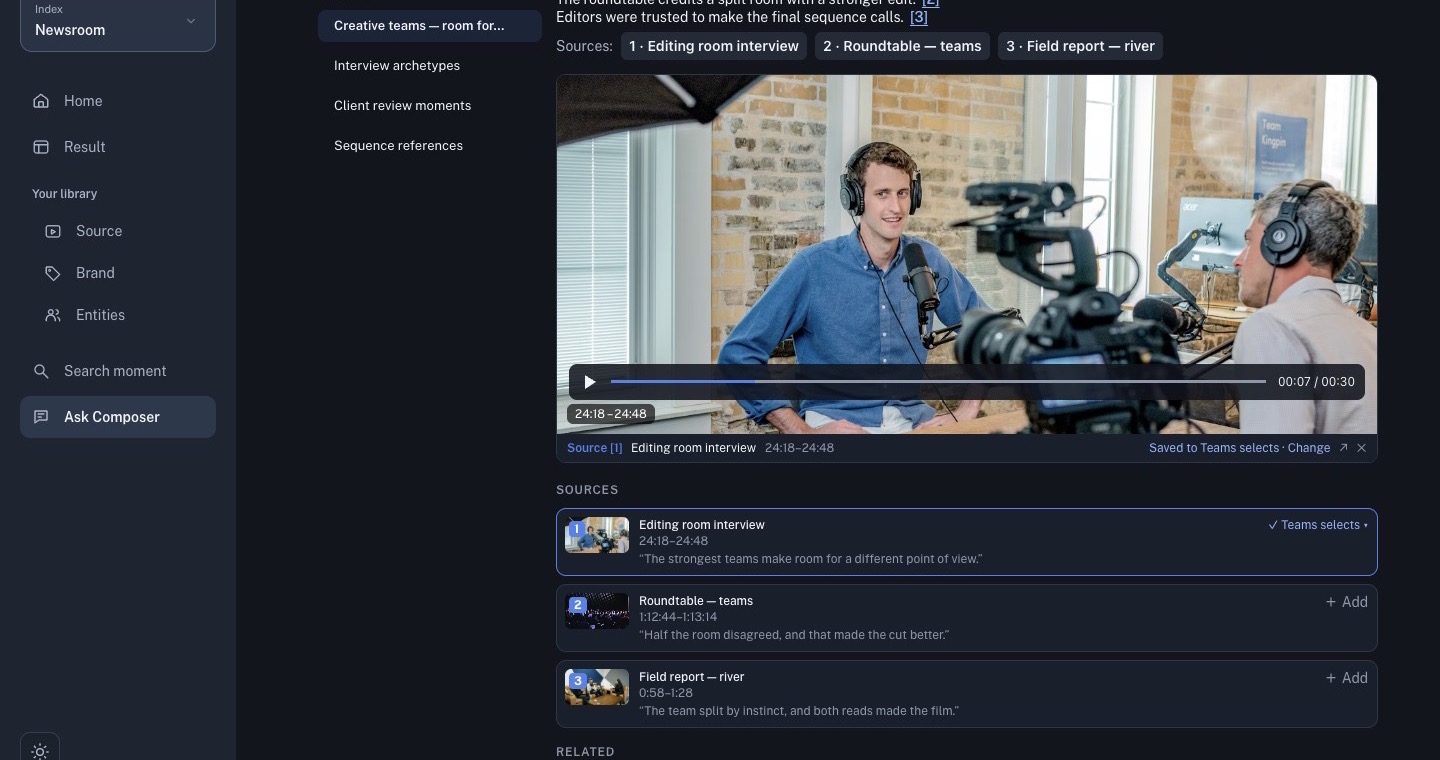
A citation points back to a source range. Open it and verify the source title, time range, picture, speech, and surrounding context. Playback can continue outside the cited range; that is useful for checking context but does not change the citation.
Save a cited card to a Working Set only after verification. A generated answer is a research aid, not a replacement for the original video.
Keep questions safe and reproducible
Name the source or story angle in the question, distinguish historical footage from current events, and avoid asking the model to infer private information. If the answer is incomplete, narrow the source set or ask a more specific follow-up.