Skip to content

Create 9:16 short clips with Reframe

Use Reframe when each short should remain one continuous source window while Composer adapts the framing for a vertical 9:16 output. Choose Agentic Long → Short instead when the editor agent should recut moments into a new 16:9 take.

1. Start from a ready source

Open Sources and confirm the source status is Ready. Open its action menu, then select Create highlights.

For this verified example, the source was the neutral public-demo copy of Tears of Steel.

2. Choose Reframe

In Editing approach, select Reframe. The option is labelled Source-faithful · 9:16 because each output keeps a continuous source window instead of rebuilding the story from several moments.

Set the run before starting:

SettingExampleWhat it controls
Number of highlights1How many candidates Composer requests.
Highlight length30s–59sThe allowed duration range for each candidate.
Brand templatePublic demo — no brand 9:16Captions, overlay, bumpers, portrait output, and Reframe defaults.

Reframe configured for one neutral 9:16 highlight

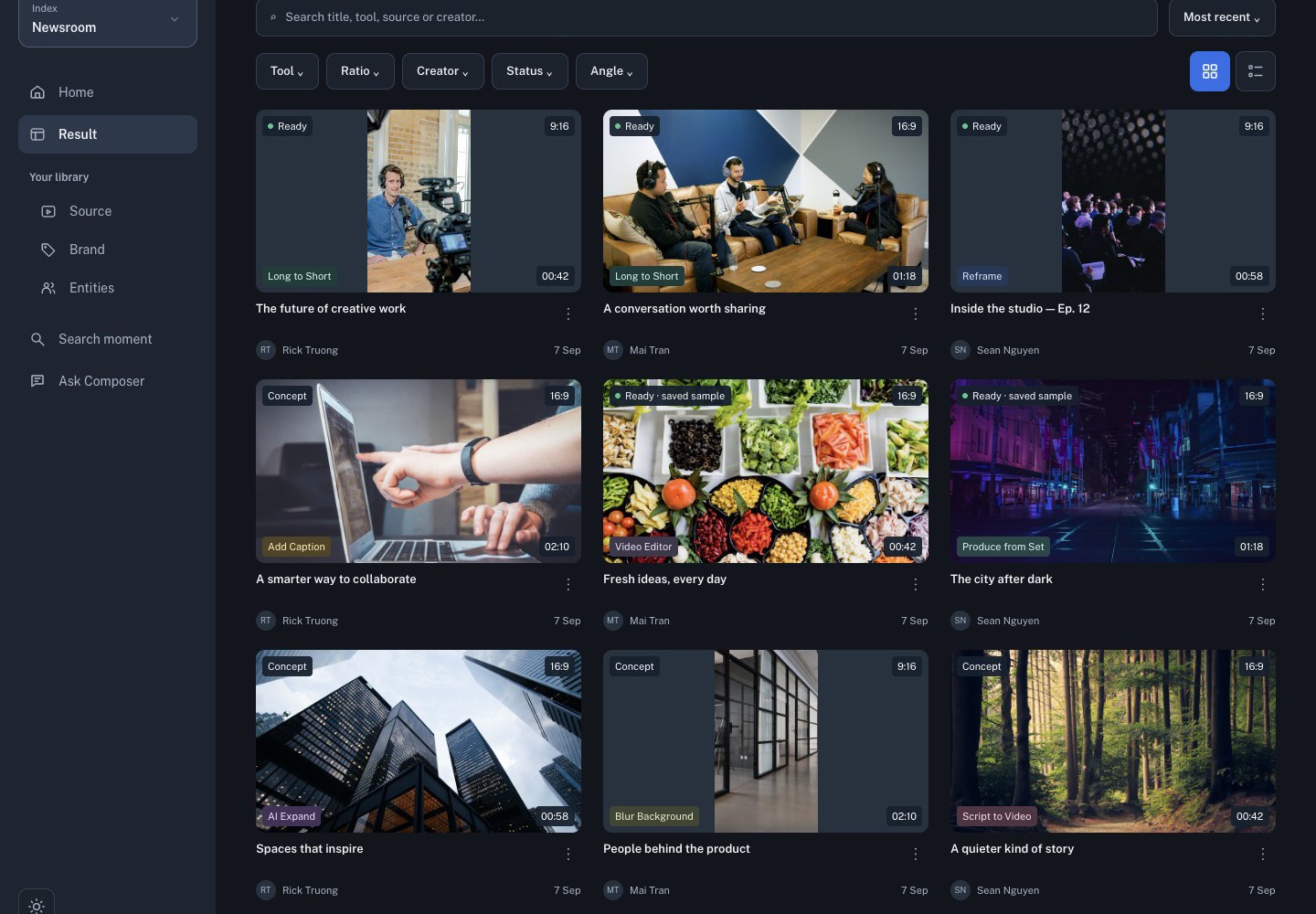
Select Start Reframe once. Composer submits the run and records it in Reframe under the Pipeline view.

3. Follow the run

Open Reframe, use the Pipeline view, and select Refresh to check progress. Processing time depends on source length and the current pipeline queue.

Do not start a duplicate while the first request is still queued or running. If the setup dialog reports Submit failed or fetch failed, the run did not start. Close the dialog and ask the workspace administrator to check the Pipeline Reframe connection; changing the source or clicking repeatedly will not repair a server connection failure.

4. Review the vertical candidate

For every completed highlight:

  1. Play it from beginning to end and confirm the chosen source window is useful.
  2. Check that faces and the active speaker remain inside the 9:16 frame.
  3. Verify captions, overlay safe areas, and any intro or outro.
  4. Open the candidate in Studio only when the source moment and framing are correct.
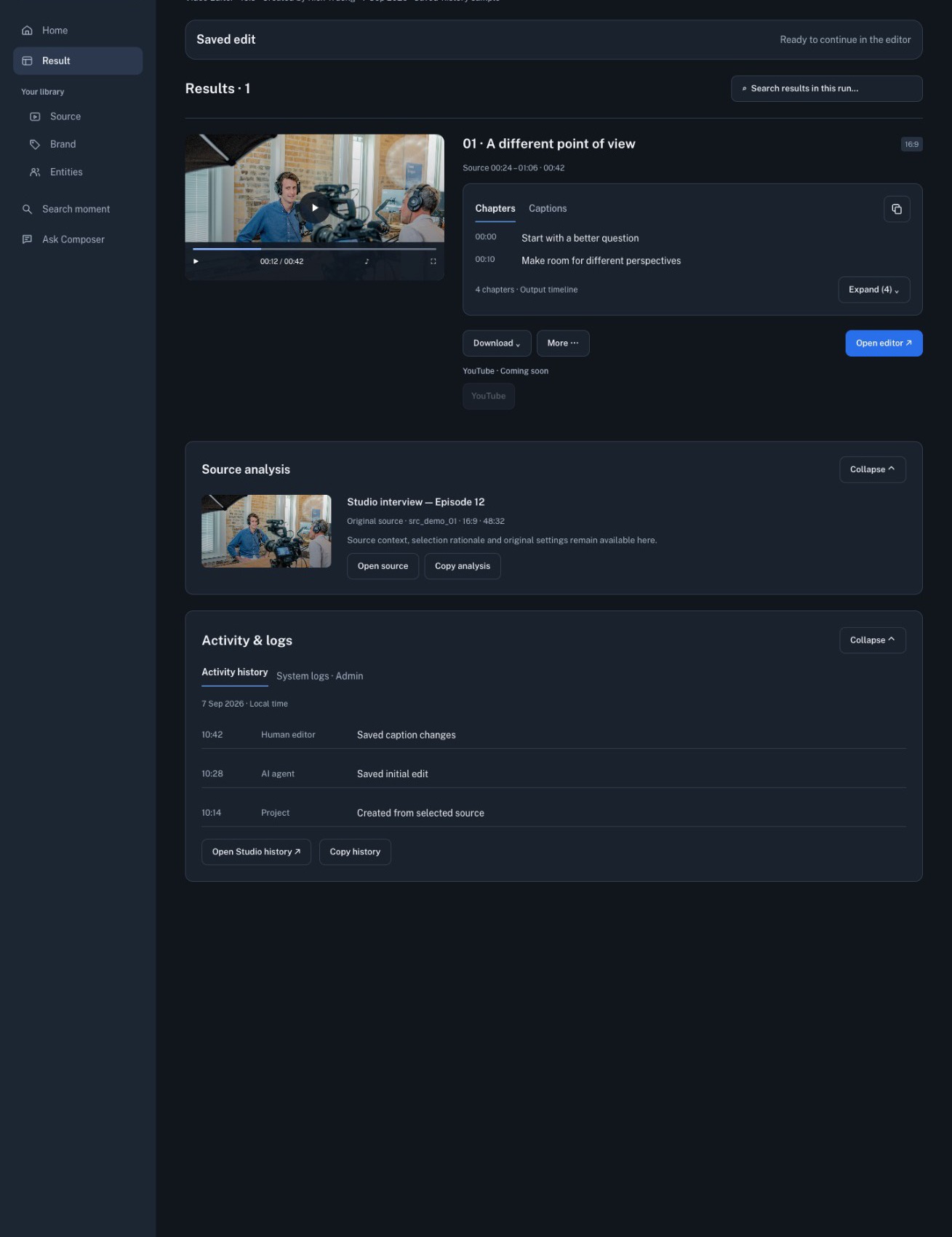
  5. Review the exported MP4 before delivery.

Reframe proposes source-faithful candidates. The editor still decides which moment is accurate, well framed, and worth publishing.