Media
Media is the shared library for reusable assets. It is separate from Sources, which contains indexed source videos.
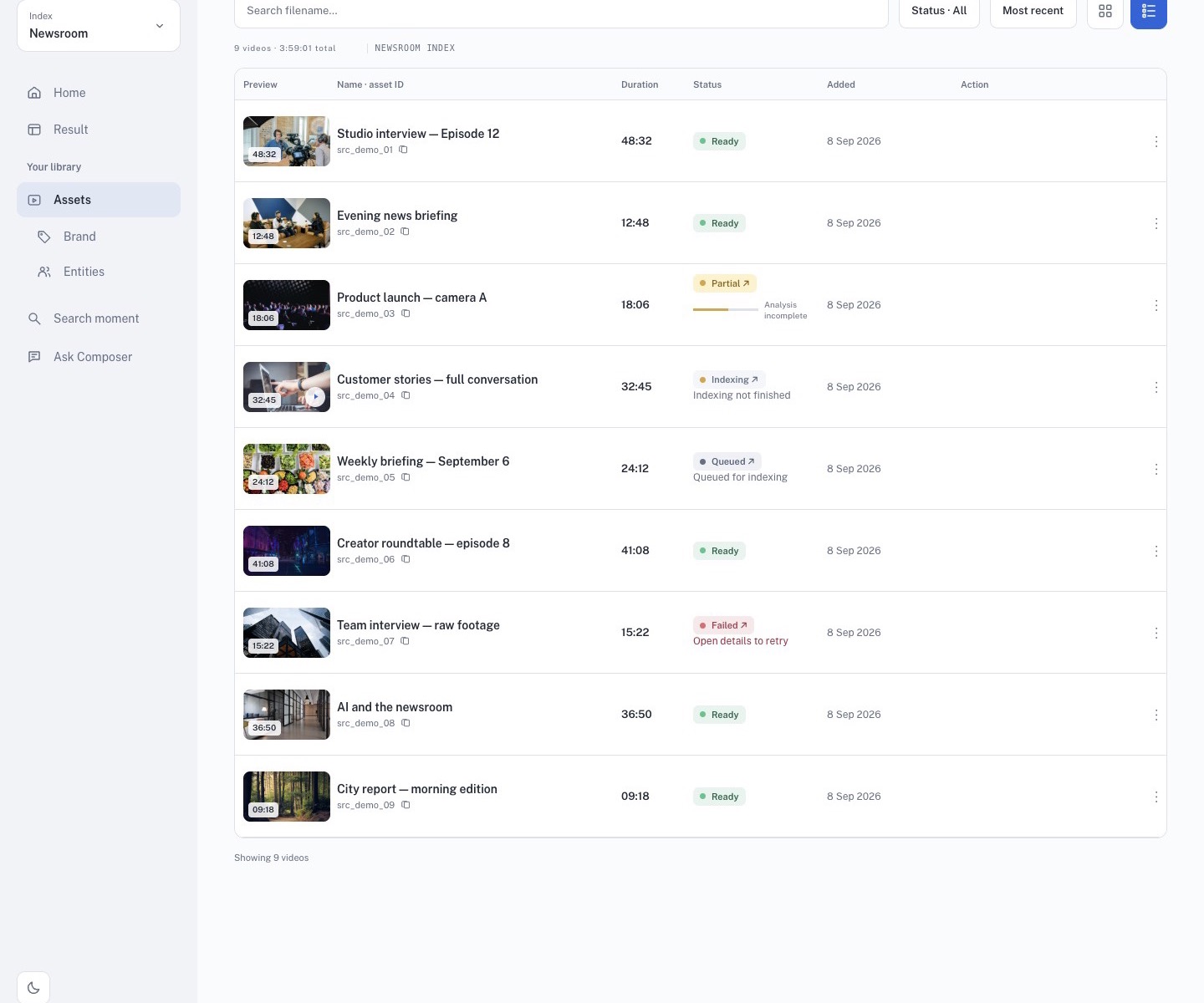
Browse shared media
Use the tabs to view All, Image, Video, or Audio assets. Search with Search assets before adding a file to a template or Studio project.
Shared media can include logos, overlays, intro and outro clips, music, and other approved files. Everyone with access to the workspace may see the same library, subject to workspace permissions.
Upload and reuse
- Select Upload and choose an approved file.
- Wait until the upload finishes.
- Open Brand templates or Studio and select the asset where the relevant control is available.
- Preview the result and check the safe area, ratio, and placement.
Replacing or deleting shared media can affect other editors’ templates and projects. Confirm ownership and downstream impact before cleanup.