Create a recap from one source
A recap should stay faithful to the selected source. Start with a ready video, find the moments that support the story, and generate only after the source pool and brief are clear.
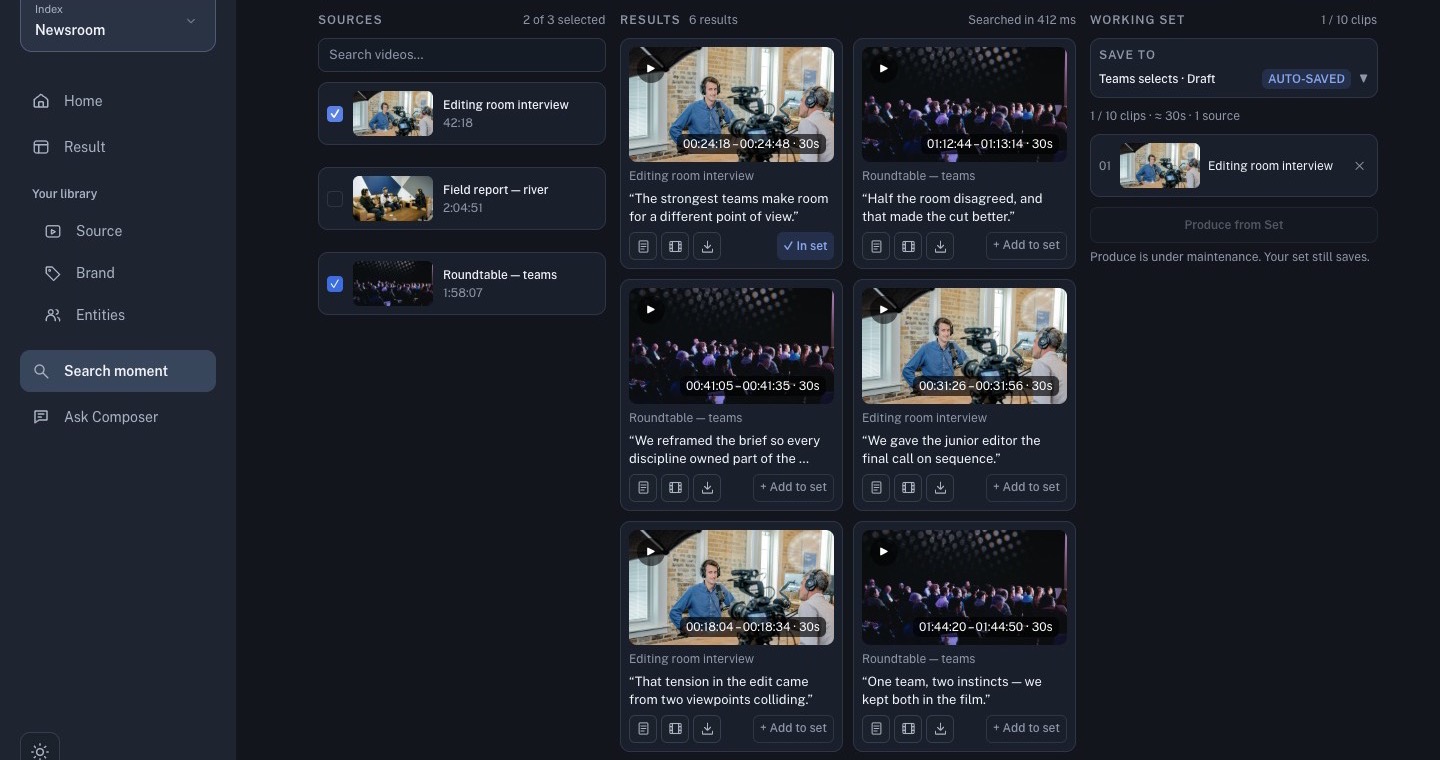
1. Find the story beats
In Search moment, select one source and search for the moments that explain the story in a useful order. Play each candidate and save only the clips that are relevant and well-supported.
2. Produce from the set
Open the Working Set and choose Produce from Set. State the story angle, target length, output ratio, and restrictions such as “use only the selected footage and original narration.”
3. Review the first cut
Follow the job in Result. When it is ready, open Studio and check the sequence, captions, audio, framing, and brand. A generated recap is still a first cut; verify every important claim against the source.
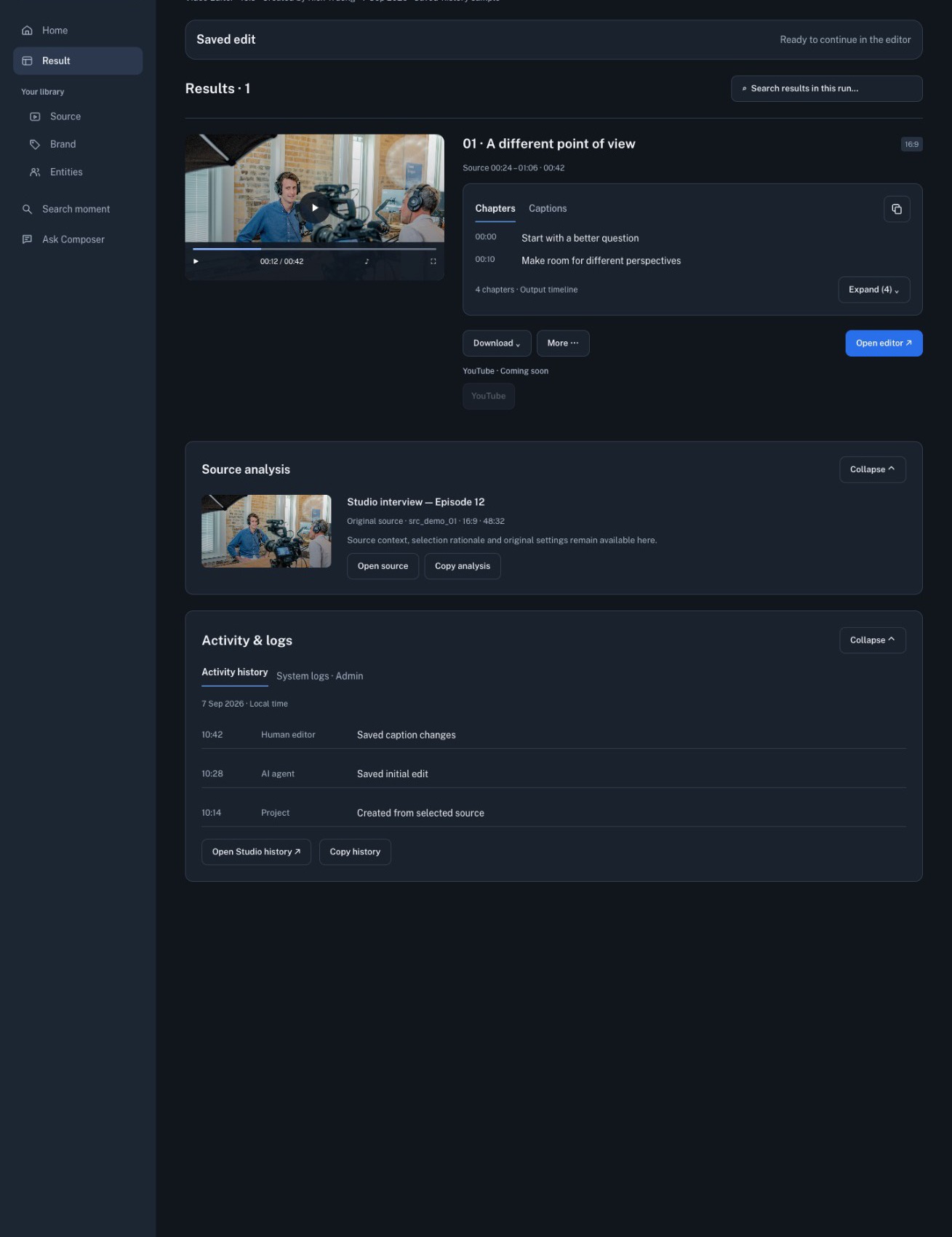
Continue with Studio: review, edit, and export.