Long to Short
Long to Short starts from a ready source and creates a short-form result. The available approaches, ratios, durations, and templates depend on the workspace.
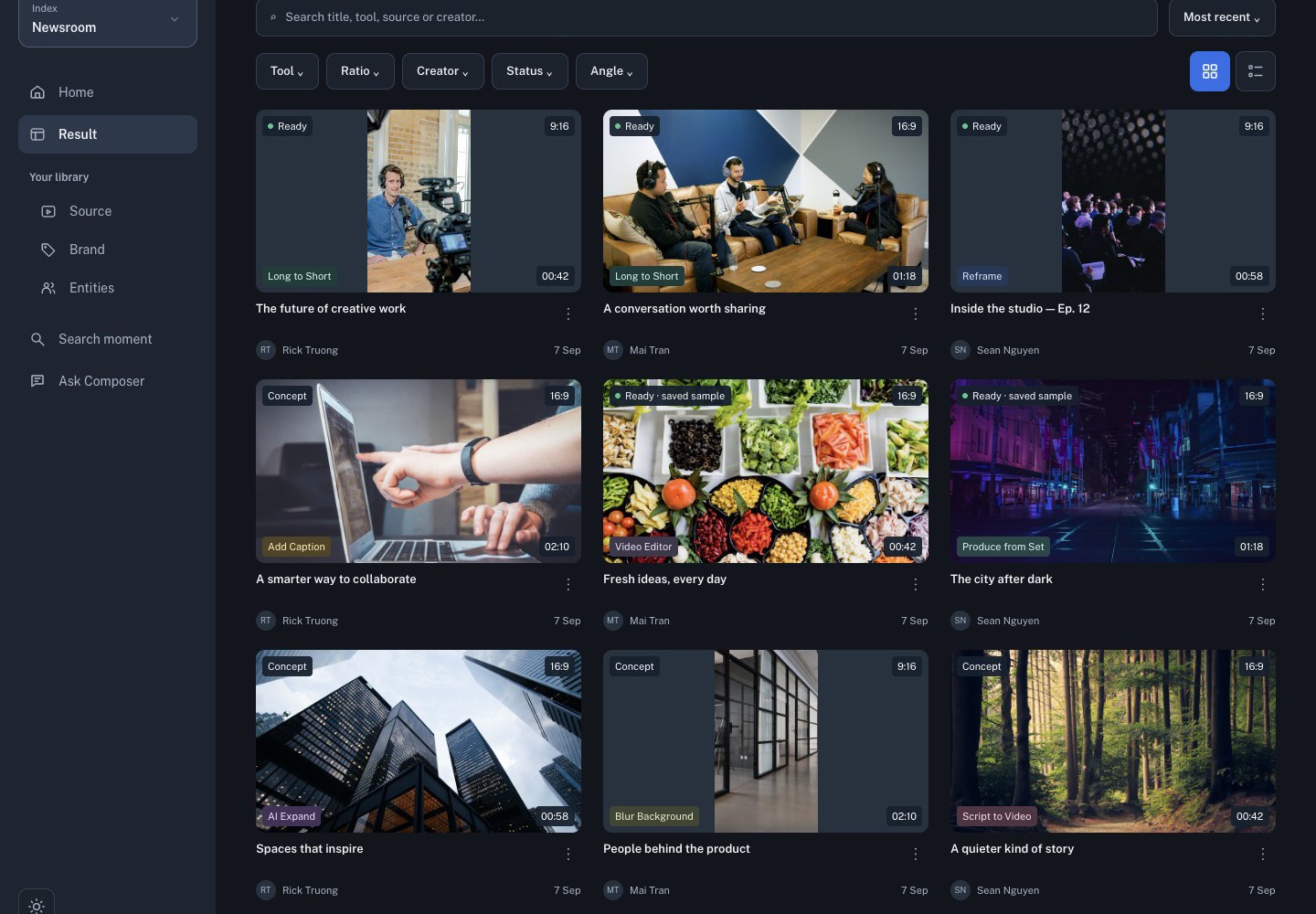
Choose the right tool
- Long to Short creates an editable cut from a long source.
- AI Reframe creates short candidates while adapting the framing.
- Produce from Set uses the moments you selected in Search or Ask.
- Generate MBM creates a structured minute-by-minute breakdown.
Start from Home for a new task, or use a source action in Sources when you want the source context carried into the tool.
Follow the job
- Select a ready source and define the story angle.
- Choose the output ratio, duration, and brand treatment when shown.
- Submit once.
- Follow progress in Result.
- Open the ready option in Studio.
A queued or failed run is not a finished output. Open the details or failure message before retrying, and avoid starting duplicate jobs.
Review the cut
In Studio, verify the source window, framing, captions, audio, and brand treatment. Generated titles, selected moments, and exact duration can vary. The editable project is the handoff point for editorial review, not a substitute for it.